Building a Self-Custodial Crypto Wallet with React Native
A deep dive into building Pouch — a multi-chain crypto wallet with Uniswap V3 swaps, WalletConnect, and bank-grade encryption using React Native and Expo.
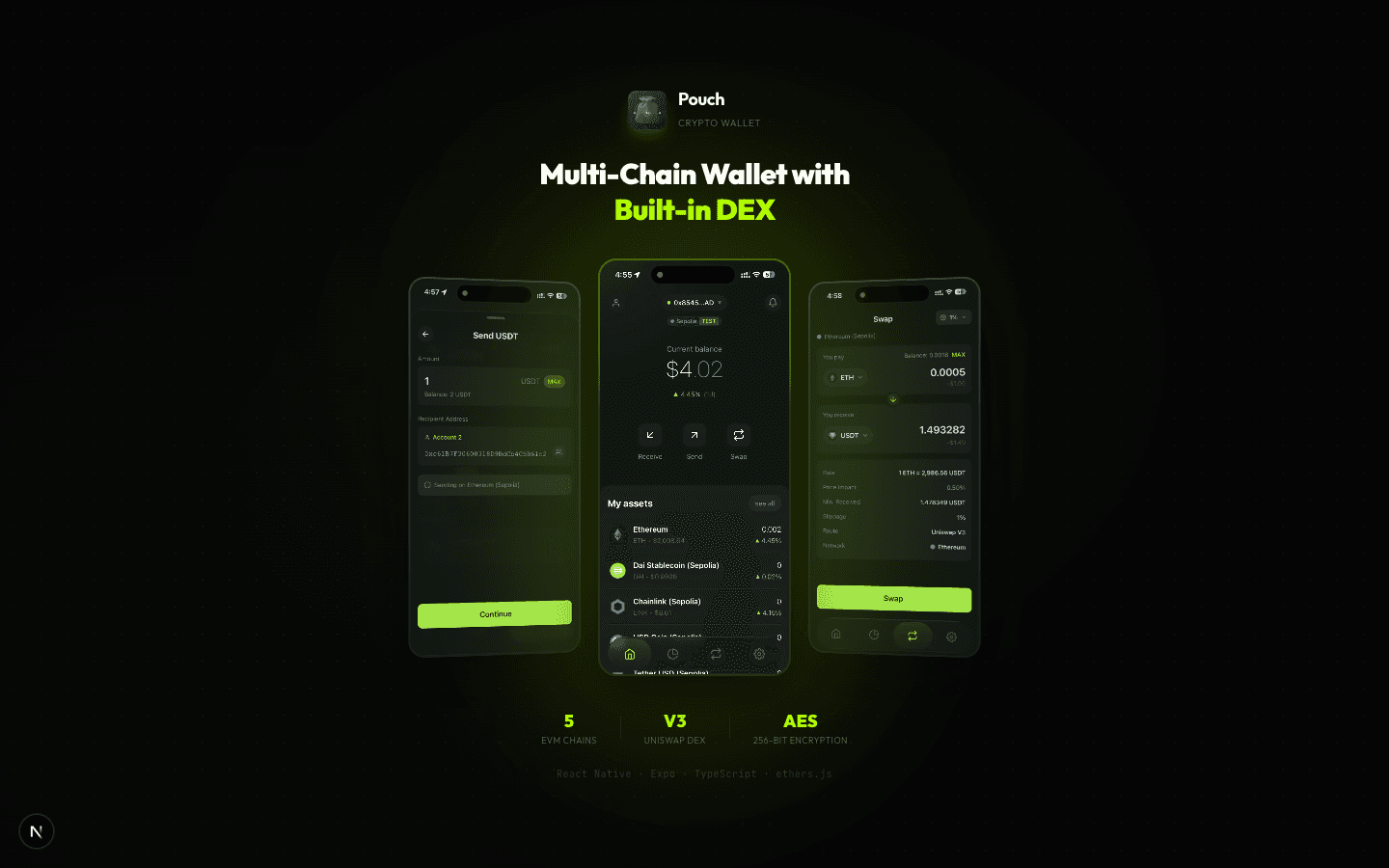
Building a crypto wallet from scratch is one of the most challenging mobile projects you can take on. You're dealing with private key management, multi-chain RPC connections, real-time price feeds, and the constant pressure that a single bug could cost someone real money. I built Pouch — a self-custodial wallet supporting 5 EVM chains with built-in Uniswap V3 swaps — and here's everything I learned.
Why Build a Wallet From Scratch?
Existing wallets like MetaMask Mobile and Trust Wallet work fine, but they have problems that are hard to fix from the outside:
- Bloated UX — too many screens, menus, and options for basic operations
- Sluggish performance — noticeable lag on mid-range devices
- No native DeFi — swapping tokens requires navigating to a built-in browser
I wanted a wallet that feels like a polished fintech app, not a crypto tool. Fast transitions, native swap UI, and security that doesn't get in the way.
Architecture Overview
The app follows a layered architecture that separates concerns cleanly:
┌─────────────────────────────────────────────┐
│           UI Layer (Expo Router)            │
│  Screens, Components, Animations           │
└─────────────┬───────────────────────────────┘
              │
┌─────────────▼───────────────────────────────┐
│       State Management (React Context)     │
│  Auth, Wallet, Network, WalletConnect      │
│  18+ custom hooks                          │
└─────────────┬───────────────────────────────┘
              │
┌─────────────▼───────────────────────────────┐
│           Services Layer                   │
│  Alchemy · ethers.js · Uniswap V3         │
│  CoinGecko · WalletConnect · Notifications │
└─────────────┬───────────────────────────────┘
              │
┌─────────────▼───────────────────────────────┐
│           Encrypted Storage                │
│  SecureStore (AES-256) · AsyncStorage      │
└─────────────────────────────────────────────┘
I chose React Context + custom hooks over Redux because the wallet's data flow is relatively straightforward — there's no deeply nested state sharing that Redux excels at. Each context (Auth, Wallet, Network) manages its own slice of state, and hooks compose them together.
Key Management: The Most Critical Piece
Everything in a self-custodial wallet comes down to how you handle private keys. Get this wrong and nothing else matters.
Mnemonic Generation
Pouch uses BIP-39 for generating recovery phrases. The mnemonic is created locally on the device and never transmitted over the network:
import { ethers } from 'ethers';

// Generate a cryptographically secure mnemonic
const wallet = ethers.Wallet.createRandom();
const mnemonic = wallet.mnemonic.phrase; // 12-word BIP-39 phrase
Encryption at Rest
The mnemonic and derived private keys are encrypted with AES-256-GCM before being stored using Expo's SecureStore, which leverages the platform's secure enclave (Keychain on iOS, Keystore on Android):
import * as SecureStore from 'expo-secure-store';

// Derive an encryption key from the user's PIN
const encryptionKey = await deriveKey(pin, salt);

// Encrypt the mnemonic
const encrypted = await encrypt(mnemonic, encryptionKey);

// Store in secure enclave
await SecureStore.setItemAsync('wallet_data', encrypted, {
  keychainAccessible: SecureStore.WHEN_UNLOCKED_THIS_DEVICE_ONLY,
});
The WHEN_UNLOCKED_THIS_DEVICE_ONLY flag ensures the data can't be extracted from backups or transferred to other devices.
HD Wallet Derivation
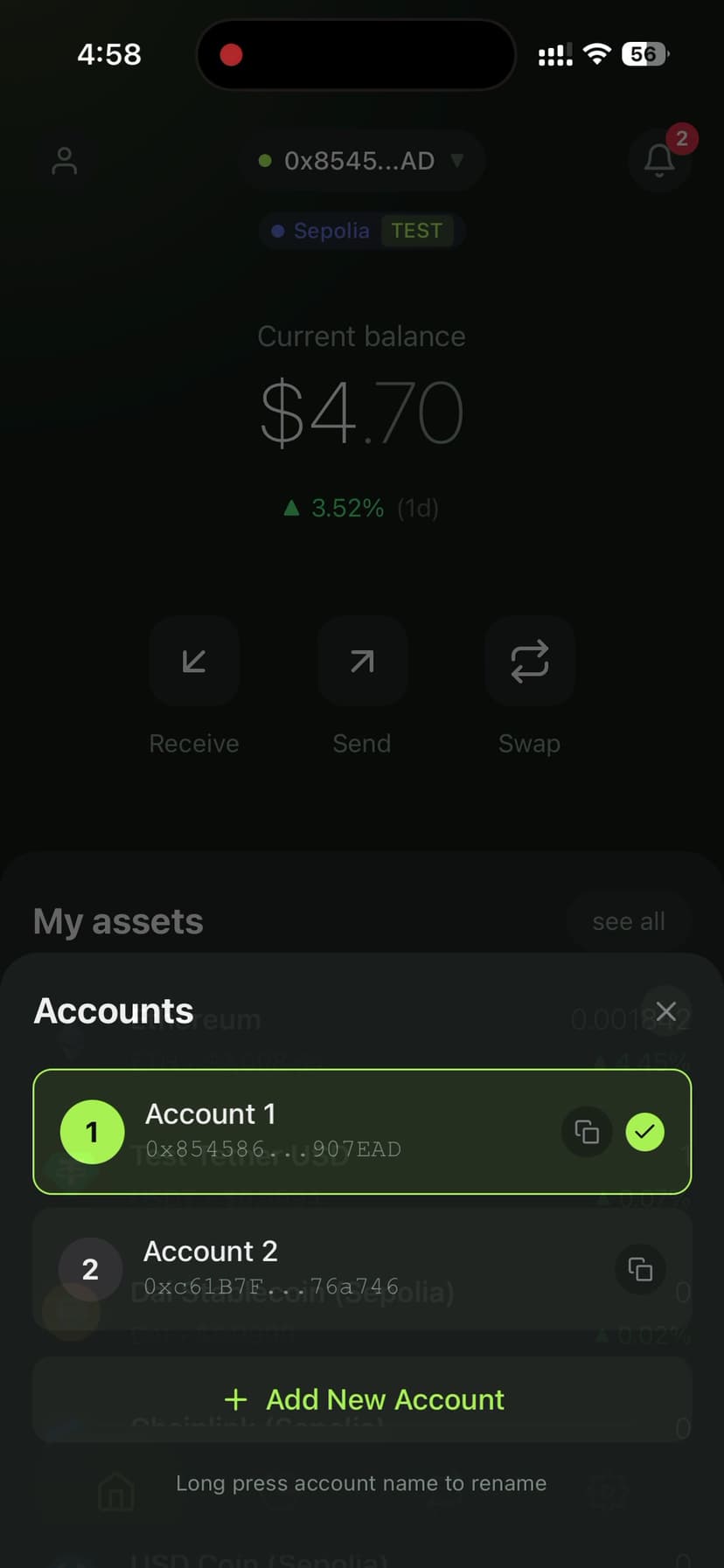
For multi-account support, I implemented BIP-44 derivation paths. From a single recovery phrase, users can generate unlimited accounts:
// BIP-44 path: m/44'/60'/0'/0/index
function deriveAccount(mnemonic: string, index: number) {
  const path = `m/44'/60'/0'/0/${index}`;
  return ethers.HDNodeWallet.fromPhrase(mnemonic, undefined, path);
}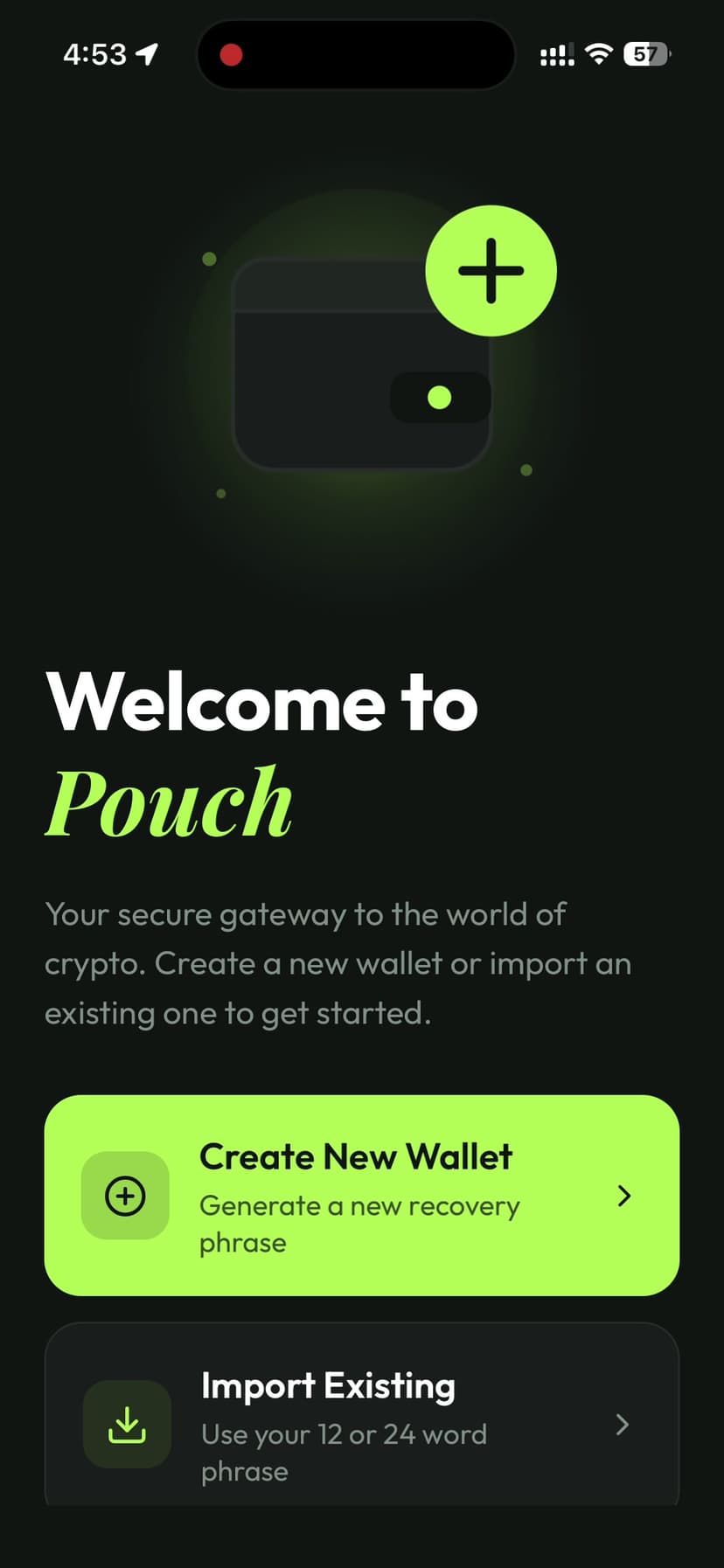
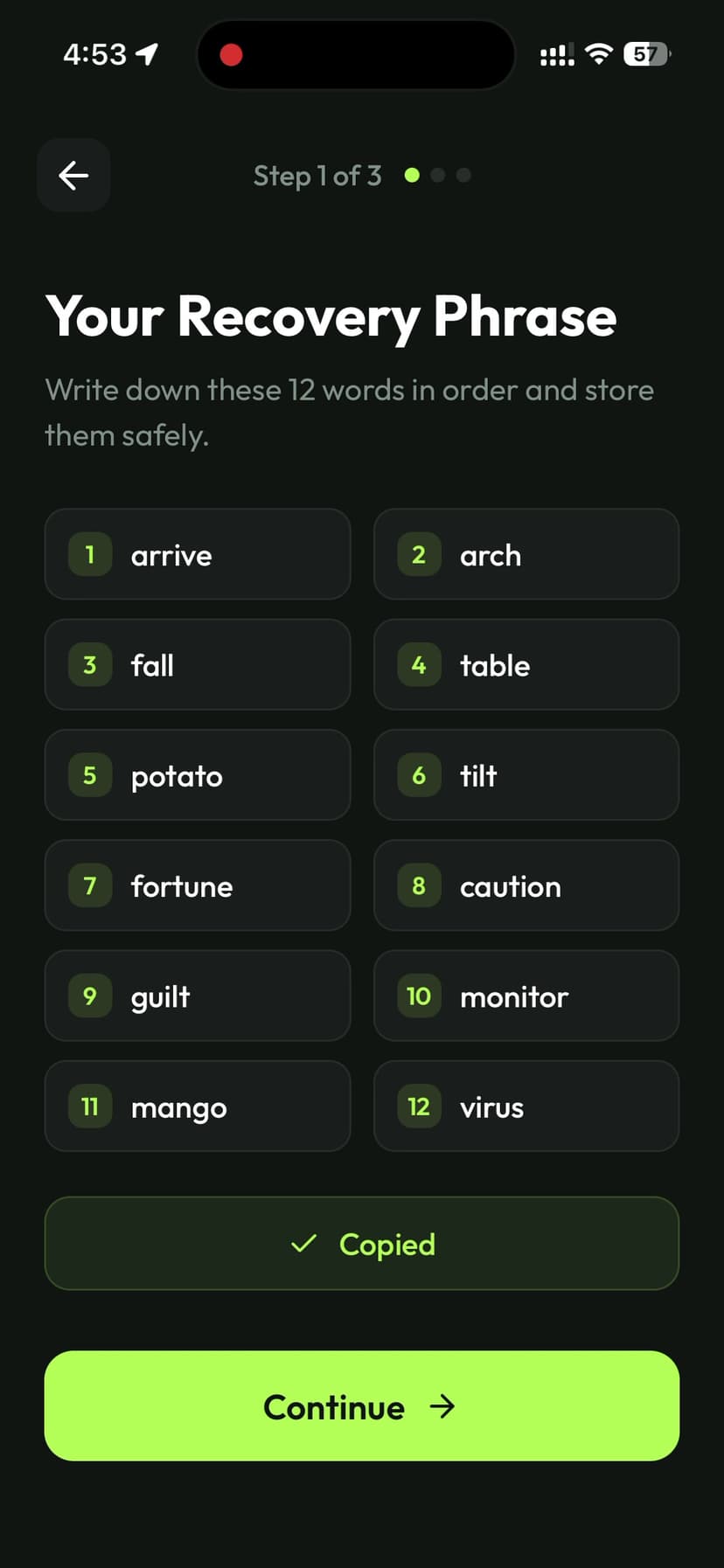
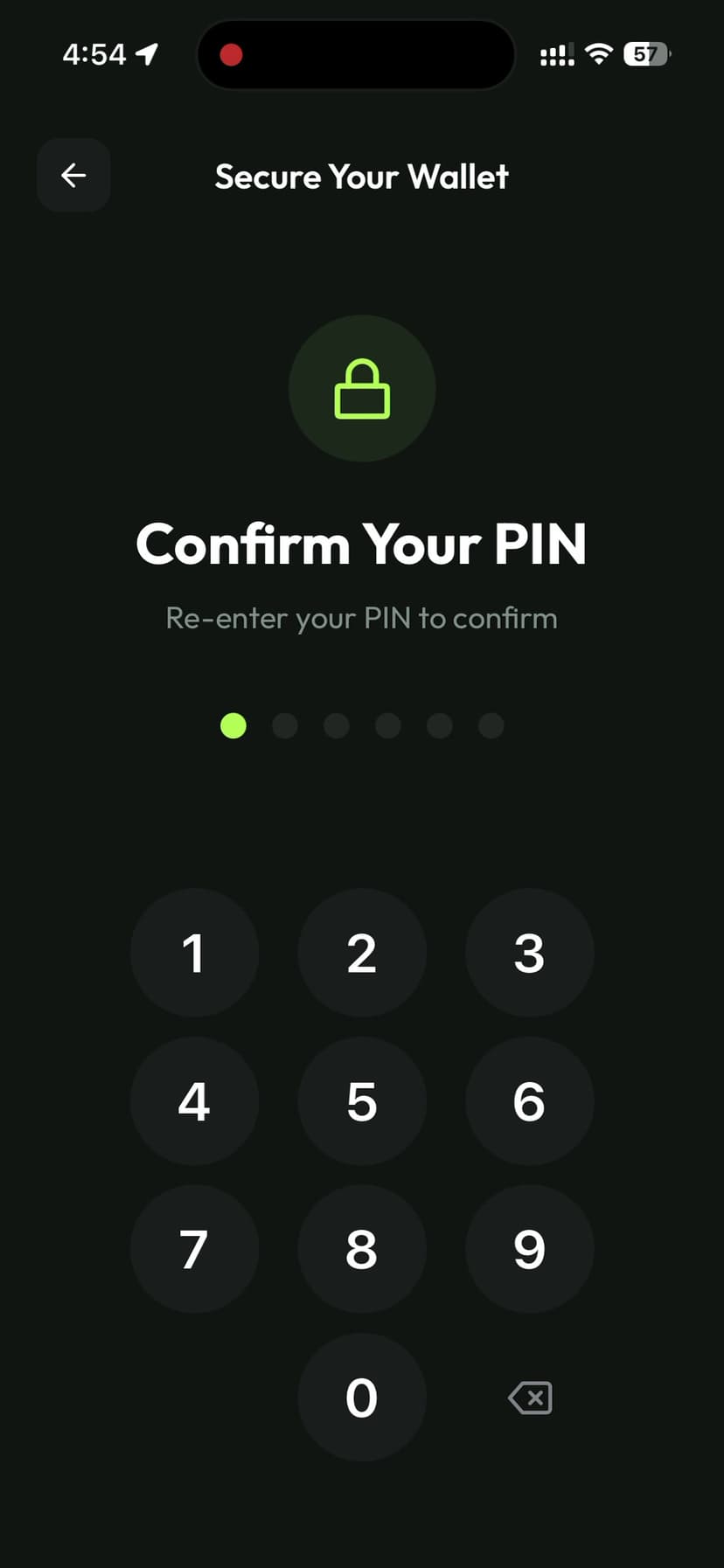
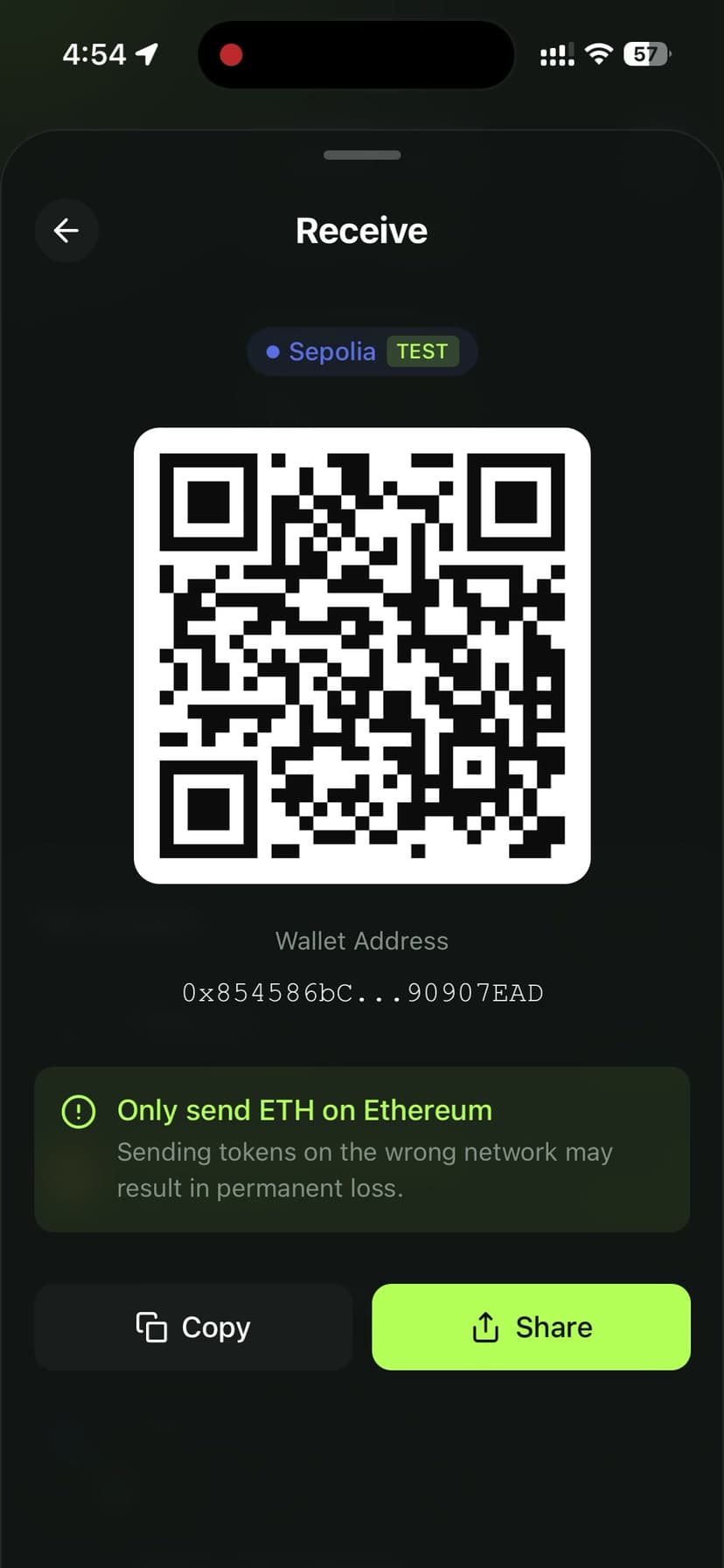
The onboarding flow walks users through generating a phrase, verifying it via a randomized quiz, and setting a 6-digit PIN.
Multi-Chain Support
Supporting multiple EVM chains sounds simple — just switch the RPC URL, right? In practice, it's more nuanced.
Network Configuration
Each chain needs its own RPC endpoint, chain ID, block explorer, and native token config:
interface NetworkConfig {
  chainId: number;
  name: string;
  rpcUrl: string;
  explorerUrl: string;
  nativeToken: {
    symbol: string;
    decimals: number;
    coingeckoId: string;
  };
  uniswapContracts?: {
    router: string;
    quoter: string;
    factory: string;
  };
}
I used Alchemy SDK for reliable RPC access across all 5 networks (Ethereum, Polygon, Arbitrum, Optimism, Base). Running your own nodes is possible but unnecessary for a mobile wallet — Alchemy handles load balancing, failover, and rate limiting.
Token Discovery
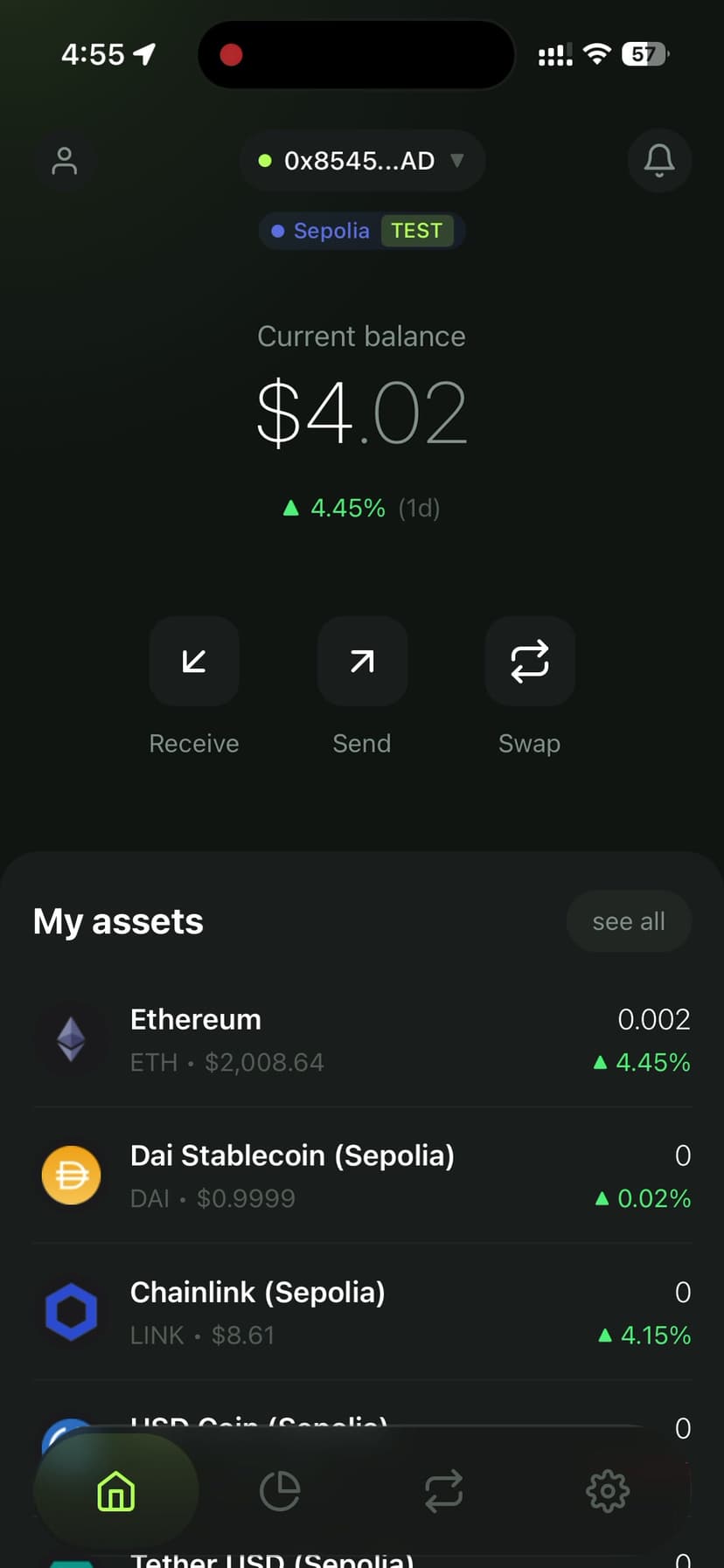
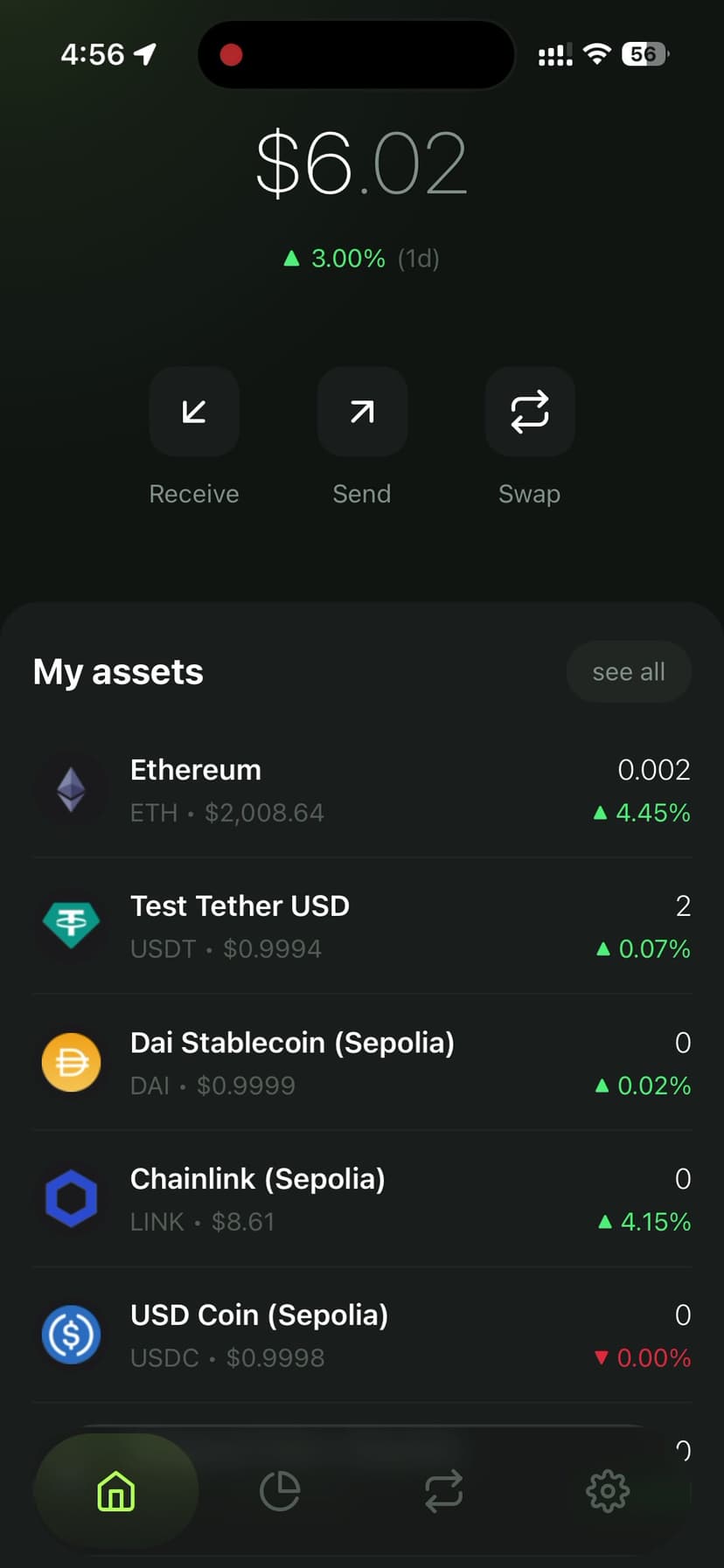
Rather than maintaining a static token list, Pouch uses Alchemy's token detection API to automatically discover ERC-20 tokens in the user's wallet:
import { Alchemy, Network } from 'alchemy-sdk';

const alchemy = new Alchemy({
  apiKey: ALCHEMY_KEY,
  network: Network.ETH_MAINNET,
});

// Get all token balances for an address
const balances = await alchemy.core.getTokenBalances(address);

// Enrich with metadata (name, symbol, decimals, logo)
const tokens = await Promise.all(
  balances.tokenBalances.map(async (token) => {
    const metadata = await alchemy.core.getTokenMetadata(token.contractAddress);
    return { ...token, ...metadata };
  })
);
This approach means users see their tokens immediately without manually importing contract addresses.
Integrating Uniswap V3
This was the most complex feature. Uniswap V3's concentrated liquidity model requires interacting with several smart contracts and handling quote routing.
Getting a Quote
The Uniswap V3 Quoter contract provides price quotes without executing a swap. I use it to show real-time pricing as the user types:
import { ethers } from 'ethers';

const QUOTER_ABI = [
  'function quoteExactInputSingle((address tokenIn, address tokenOut, uint256 amountIn, uint24 fee, uint160 sqrtPriceLimitX96)) external returns (uint256 amountOut, uint160 sqrtPriceX96After, uint32 initializedTicksCrossed, uint256 gasEstimate)',
];

async function getQuote(
  tokenIn: string,
  tokenOut: string,
  amountIn: bigint,
  fee: number = 3000 // 0.3% pool
): Promise<bigint> {
  const quoter = new ethers.Contract(QUOTER_ADDRESS, QUOTER_ABI, provider);

  const [amountOut] = await quoter.quoteExactInputSingle.staticCall({
    tokenIn,
    tokenOut,
    amountIn,
    fee,
    sqrtPriceLimitX96: 0,
  });

  return amountOut;
}
Executing the Swap
The actual swap goes through the SwapRouter contract. The key is setting proper slippage protection:
async function executeSwap(params: SwapParams) {
  const { tokenIn, tokenOut, amountIn, amountOutMin, fee, deadline } = params;

  const router = new ethers.Contract(ROUTER_ADDRESS, ROUTER_ABI, signer);

  const tx = await router.exactInputSingle({
    tokenIn,
    tokenOut,
    fee,
    recipient: walletAddress,
    deadline: Math.floor(Date.now() / 1000) + deadline,
    amountIn,
    amountOutMinimum: amountOutMin, // Slippage protection
    sqrtPriceLimitX96: 0,
  });

  return tx;
}
The amountOutMinimum is calculated from the quote minus the user's slippage tolerance (default 1%). This prevents sandwich attacks from eating into the swap value.
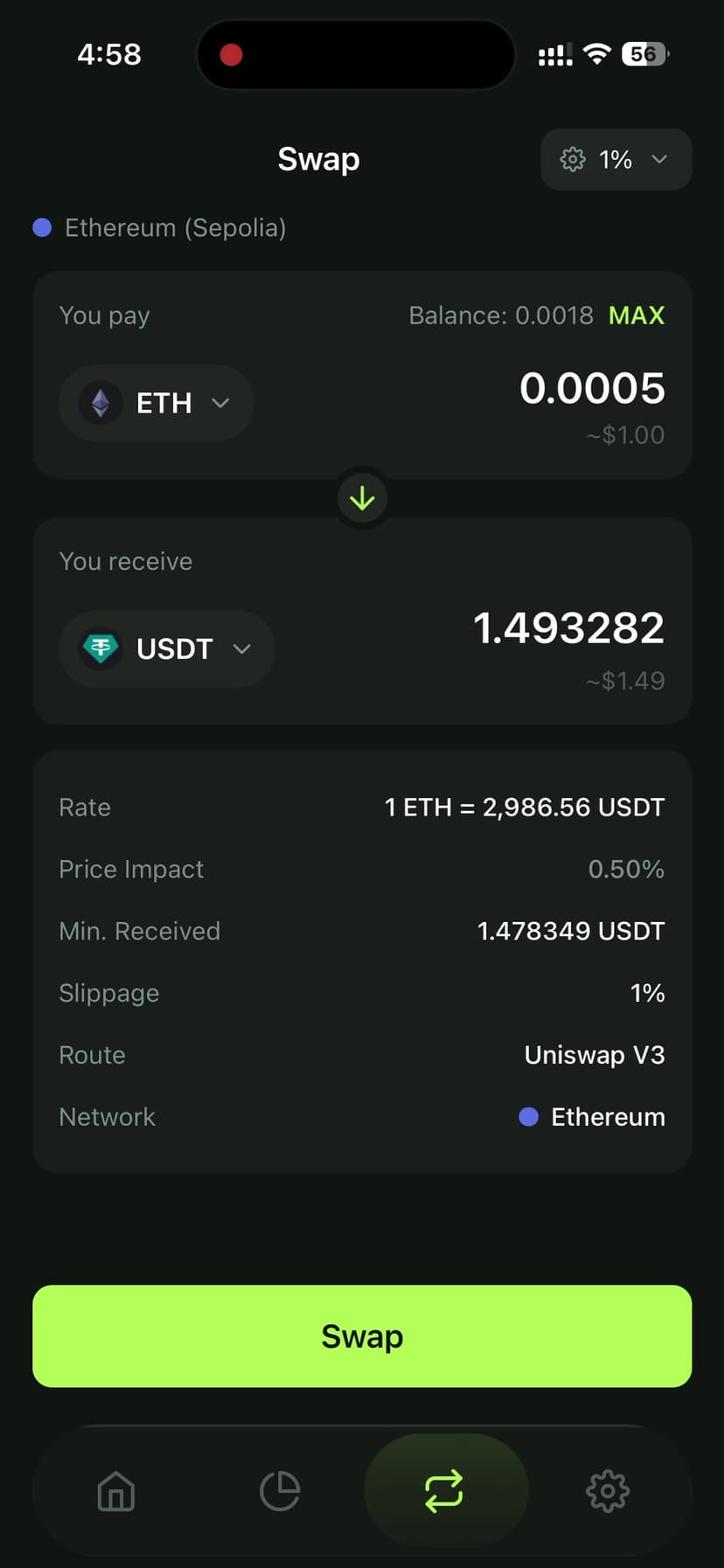
The swap UI shows the full quote breakdown: exchange rate, price impact, minimum received, slippage tolerance, and the routing path — all fetched from on-chain data.
Send & Receive Flow
Transaction Building
Sending tokens requires careful gas estimation. I fetch the current gas price and let users choose between speed tiers:
async function buildTransaction(params: SendParams) {
  const { to, amount, token, speed } = params;

  const feeData = await provider.getFeeData();

  // EIP-1559 gas pricing
  const gasMultiplier = { slow: 0.9, normal: 1, fast: 1.3 };
  const maxFeePerGas = feeData.maxFeePerGas * BigInt(
    Math.round(gasMultiplier[speed] * 100)
  ) / 100n;

  if (token.isNative) {
    return {
      to,
      value: ethers.parseEther(amount),
      maxFeePerGas,
      maxPriorityFeePerGas: feeData.maxPriorityFeePerGas,
    };
  }

  // ERC-20 transfer
  const contract = new ethers.Contract(token.address, ERC20_ABI, signer);
  return contract.transfer.populateTransaction(
    to,
    ethers.parseUnits(amount, token.decimals)
  );
}
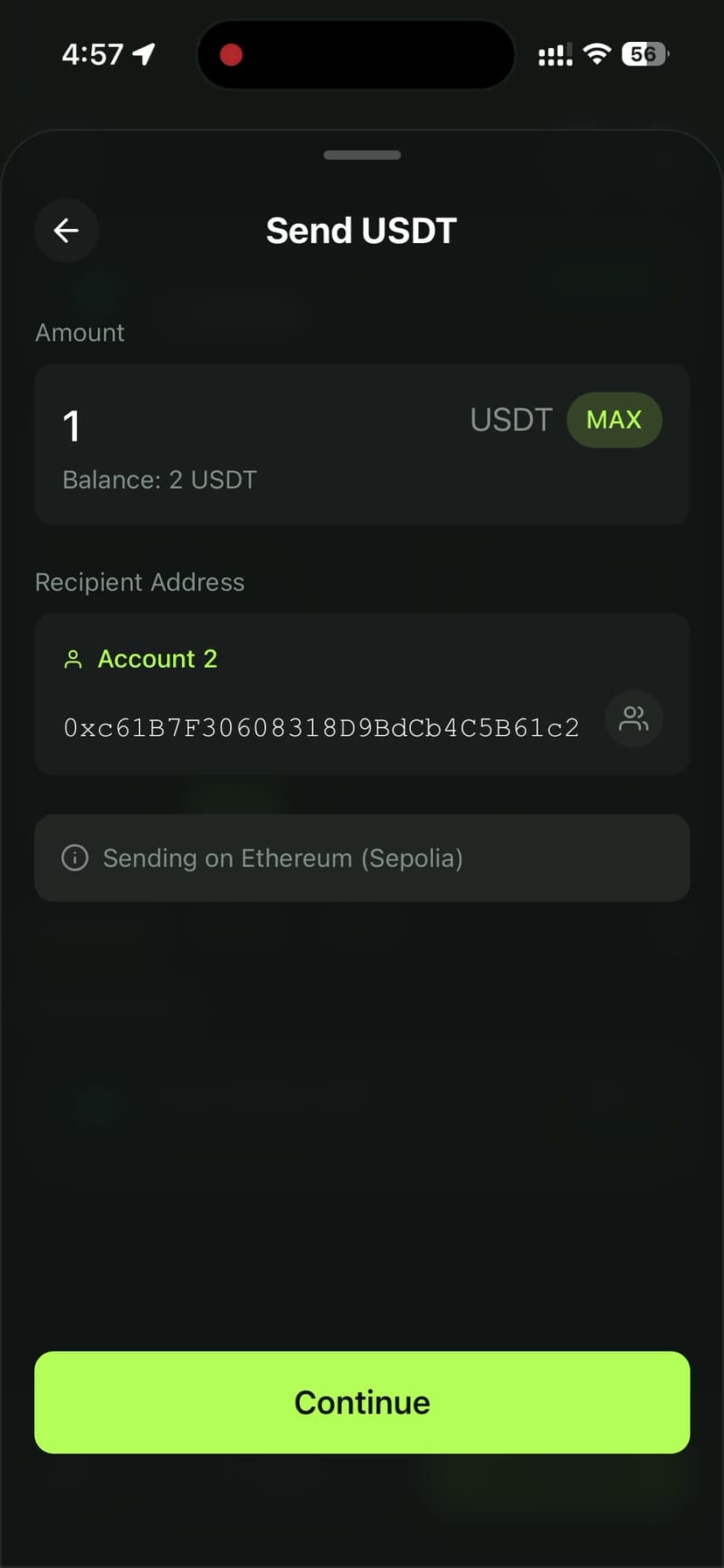
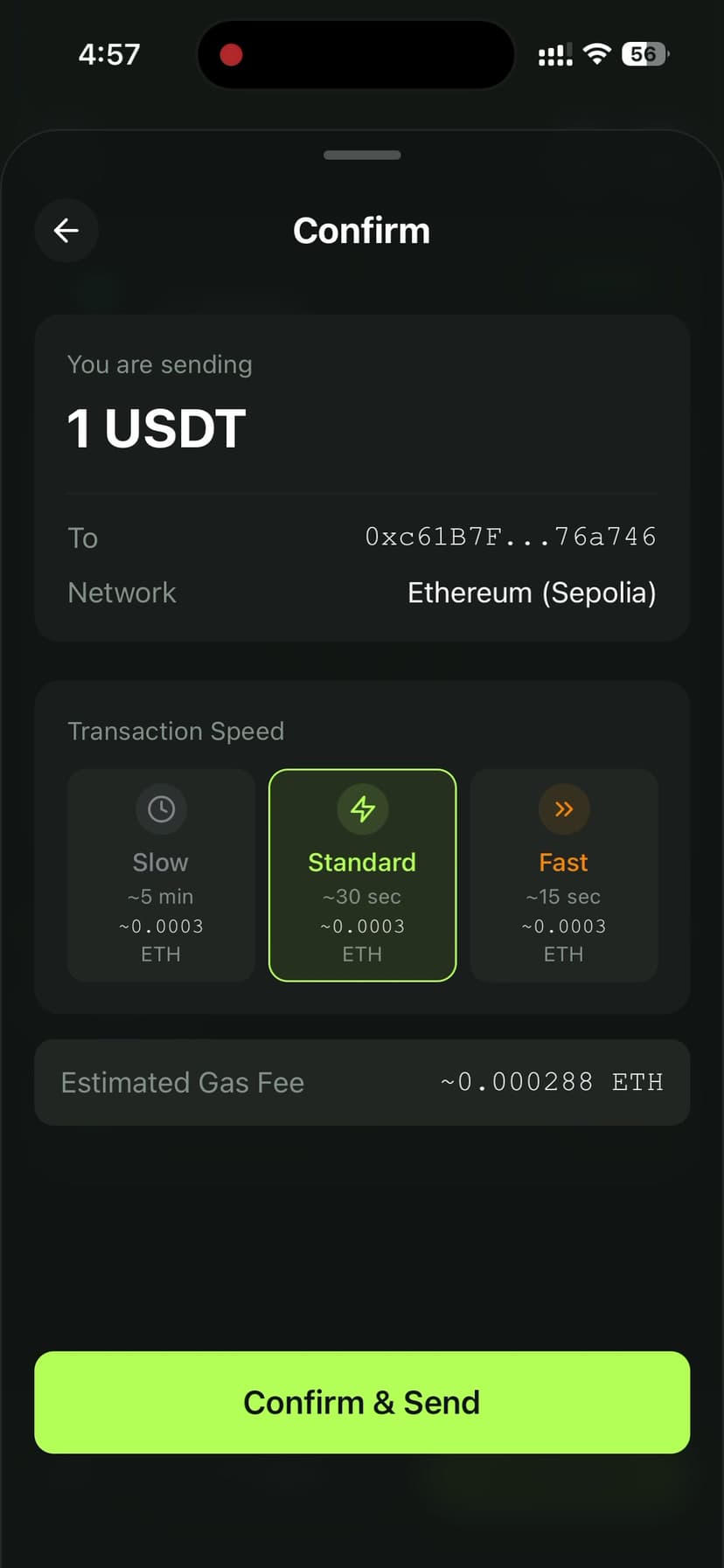
The review screen shows the total cost (amount + gas fee) and estimated confirmation time before the user signs.
Real-Time Notifications
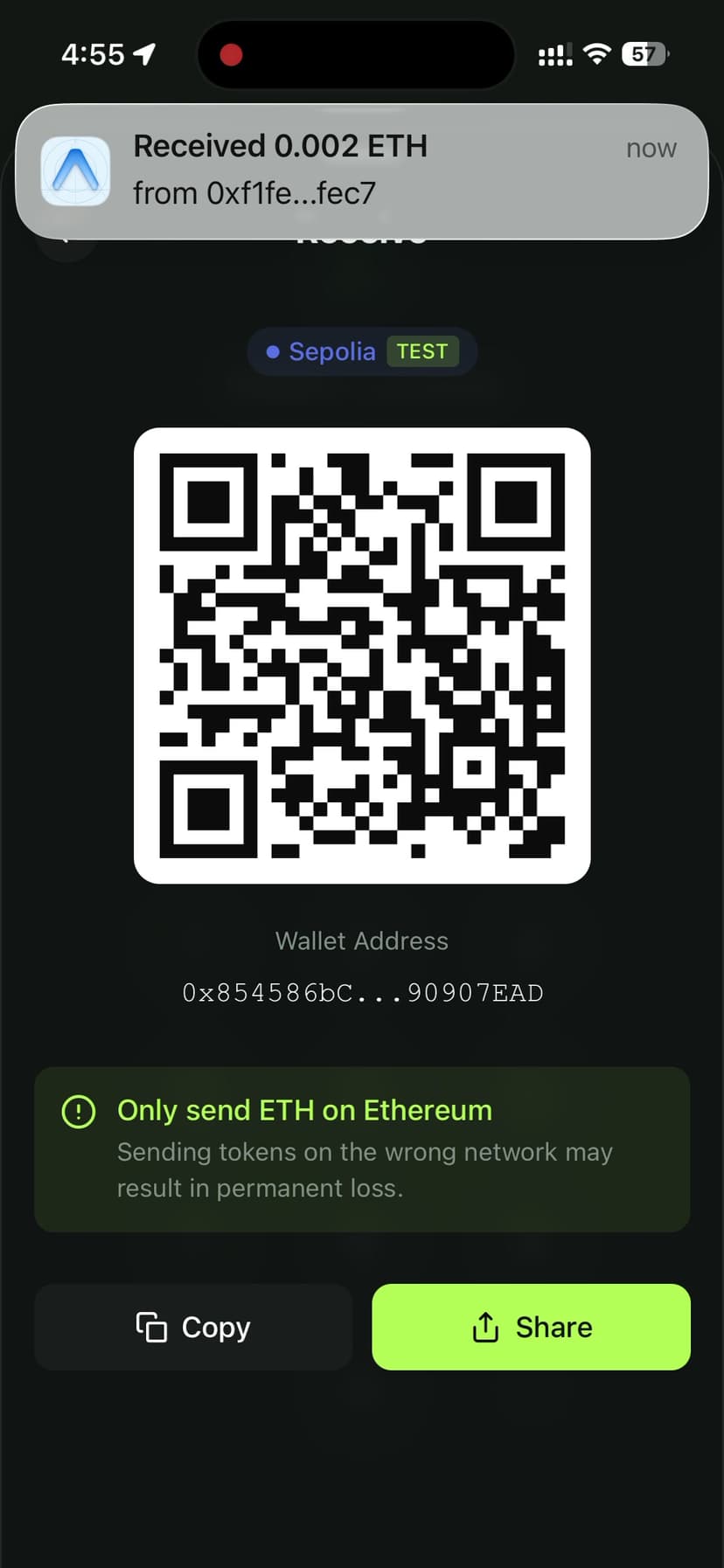
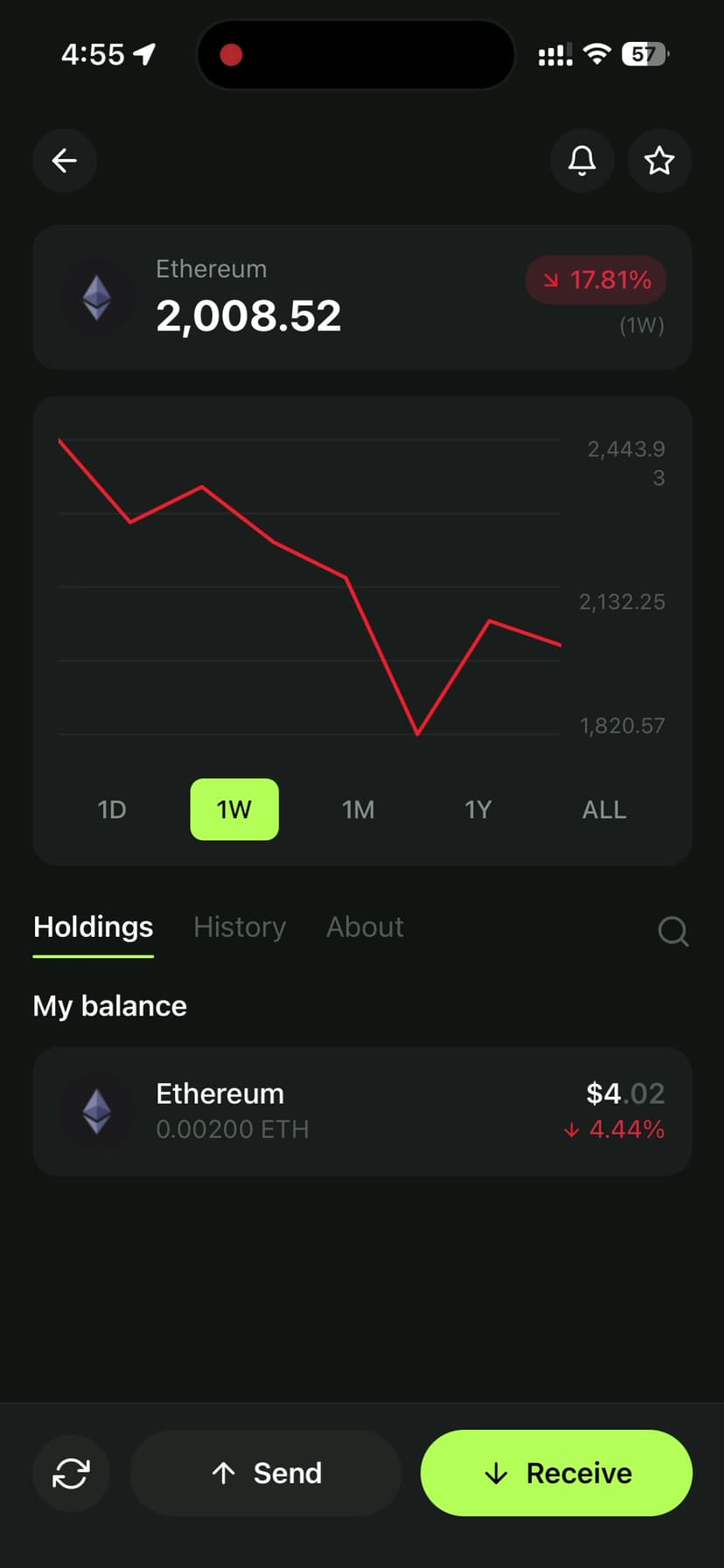
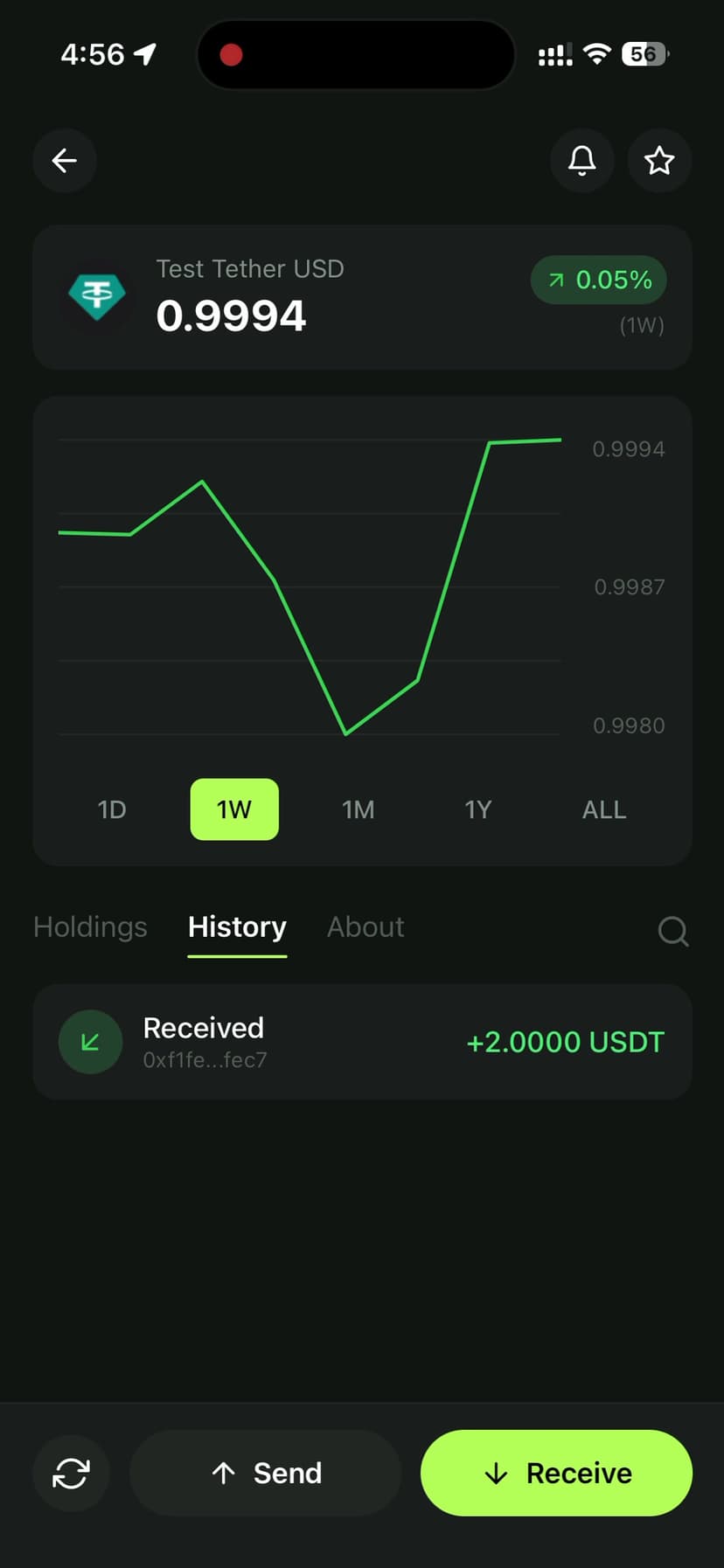
Push notifications are critical for a wallet — users need to know immediately when they receive tokens. I used expo-notifications with a backend listener that monitors on-chain events:
// Backend: Listen for incoming transfers
alchemy.ws.on(
  {
    method: 'alchemy_minedTransactions',
    addresses: [{ to: userAddress }],
  },
  async (tx) => {
    await sendPushNotification(userPushToken, {
      title: `Received ${formatAmount(tx.value)} ${tx.asset}`,
      body: `From ${shortenAddress(tx.from)}`,
    });
  }
);
Performance Optimizations
A crypto wallet needs to feel instant. Here's what made the difference:
Optimistic UI Updates
When a user sends a transaction, I immediately show it in the activity feed as "Pending" without waiting for chain confirmation:
// Add optimistic entry immediately
addPendingTransaction({
  hash: tx.hash,
  type: 'send',
  amount,
  to,
  status: 'pending',
  timestamp: Date.now(),
});

// Confirm in background
tx.wait().then((receipt) => {
  updateTransactionStatus(tx.hash, receipt.status ? 'confirmed' : 'failed');
});
Parallel Data Fetching
On app launch, I fetch all data in parallel rather than sequentially:
const [balances, prices, transactions, gasPrice] = await Promise.all([
  fetchTokenBalances(address, network),
  fetchPricesFromCoinGecko(tokenIds),
  fetchTransactionHistory(address, network),
  provider.getFeeData(),
]);
This cuts the initial load time from ~3 seconds to under 800ms.
Animation Performance
All animations use React Native Reanimated running on the UI thread. This means smooth 60fps transitions even during heavy JS operations like transaction signing:
const translateY = useSharedValue(0);

const animatedStyle = useAnimatedStyle(() => ({
  transform: [{ translateY: withSpring(translateY.value) }],
}));
Tech Stack Summary
| Layer | Technology | Why |
|---|---|---|
| Framework | React Native + Expo SDK 54 | Cross-platform with native module access |
| Language | TypeScript | Type safety for financial operations |
| Blockchain | ethers.js 6 | TypeScript-first, smaller bundle |
| RPC | Alchemy SDK | Reliable multi-chain infrastructure |
| DEX | Uniswap V3 SDK | Most liquid DEX with concentrated liquidity |
| Security | AES-256-GCM + SecureStore | Platform secure enclave integration |
| Auth | expo-local-authentication | Biometric (Face ID / Touch ID) |
| UI | NativeWind + Reanimated 4 | Tailwind CSS for RN + 60fps animations |
| Connectivity | WalletConnect v2 | dApp connection standard |
| Prices | CoinGecko API | Free tier with real-time data |
Lessons Learned
1. Never trust user input for amounts. Always parse and validate token amounts using the token's decimal precision. A rounding error on a send transaction is unrecoverable.
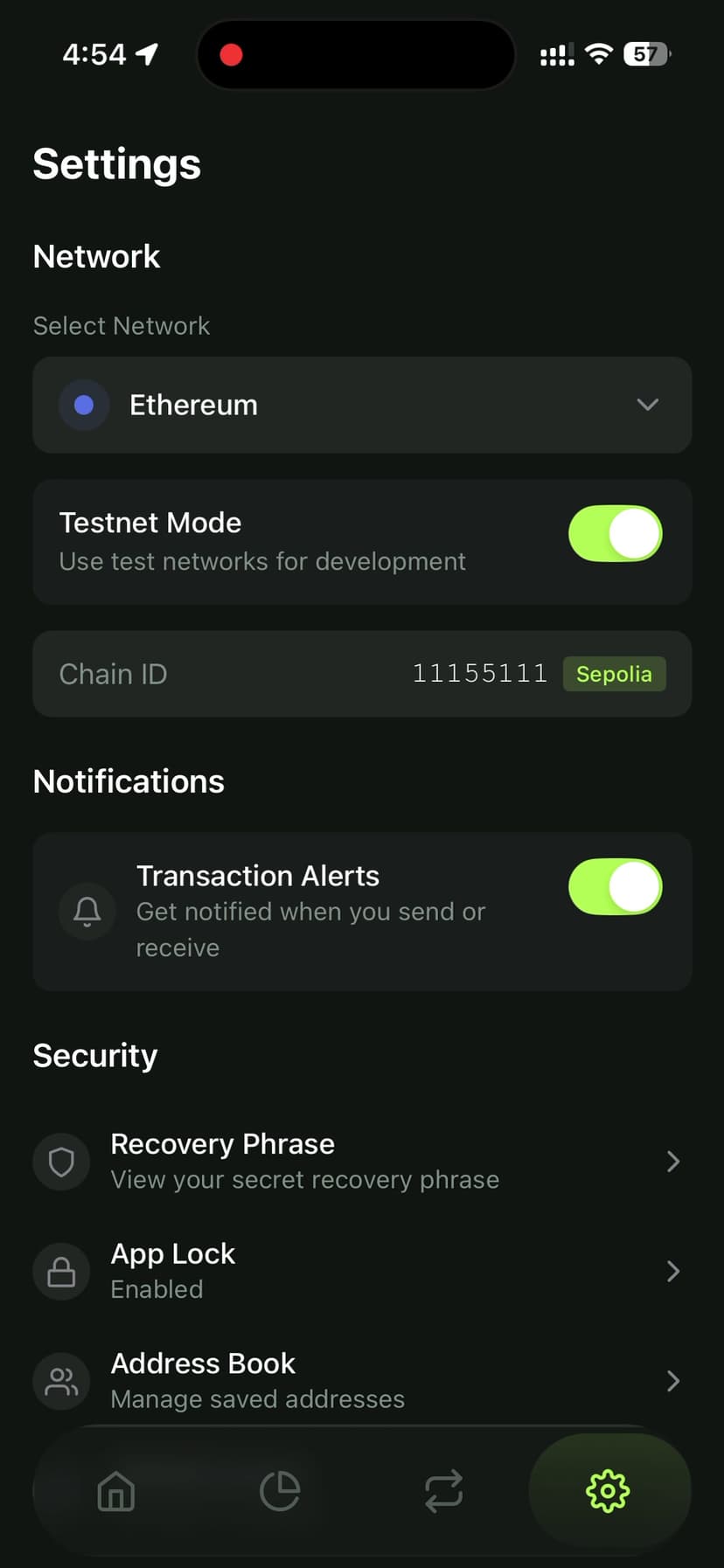
2. Test on real chains. Testnets behave differently from mainnet — gas estimation, token discovery, and swap routing all have subtle differences. I kept a testnet mode toggle in settings for development but always verified on mainnet before shipping.
3. Error messages matter more in crypto. A generic "Transaction failed" is useless. Users need to know if they ran out of gas, hit slippage, or if the token contract reverted. I parse revert reasons from the chain and display human-readable explanations.
4. Secure storage isn't just encryption. It's about the entire lifecycle — generation, encryption, storage, access control, and cleanup. I used WHEN_UNLOCKED_THIS_DEVICE_ONLY to prevent backup extraction and clear sensitive data from memory after use.
5. Price feeds are unreliable. CoinGecko rate limits, APIs go down, prices can be stale. I implemented a multi-source price aggregation with fallbacks and staleness detection.
What's Next
Pouch currently supports 5 EVM chains, but the architecture is designed to be chain-agnostic. Upcoming additions include:
- Solana support via
@solana/web3.js - NFT gallery with OpenSea API integration
- Fiat on-ramp via MoonPay or Transak
- Hardware wallet support via Ledger Bluetooth SDK
Building a crypto wallet taught me more about mobile security, blockchain internals, and UX design than any other project. If you're thinking about building one, start with the key management layer and get that right before touching anything else.
Nawab Khairuzzaman
Full-Stack Web & Blockchain Developer with 6+ years of experience building scalable applications.